Start from the track
Bring the song, reference or mood. The treatment begins with the music, not a blank timeline.
AI music video studio
Plan cinematic, beat-aware music videos with consistent characters, kinetic lyrics and formats made for every screen.
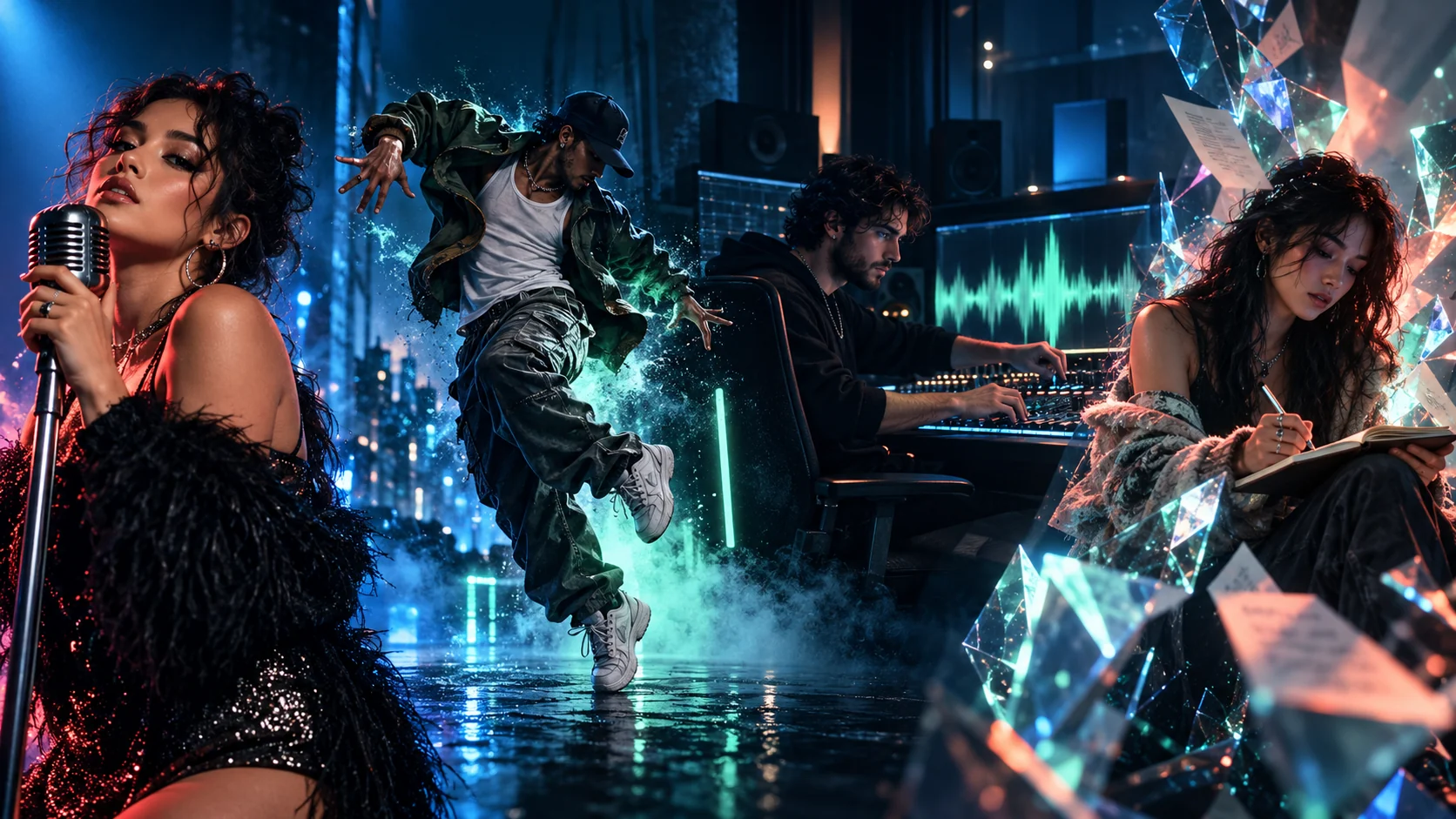
Built for music-first ideas
The studio connects direction, rhythm, character, lyrics and publishing formats in one continuous creative system.
Bring the song, reference or mood. The treatment begins with the music, not a blank timeline.
Shape pacing around the beat, the lift and the drop while keeping the whole song in view.
Carry one recognizable character through every scene, angle and visual chapter.
Plan kinetic type, emphasis and karaoke-style timing instead of adding captions afterward.
Adjust direction, style and scene emphasis without rebuilding the entire creative brief.
Prepare vertical, square and widescreen cuts for the platform where the song belongs.
A director in the workflow
Each creative decision stays tied to the record, from the first beat map to the final lyric treatment.
 01
Feature 01
Turn a track into a coherent treatment with a scene arc, shot plan and visual rhythm built around the song.
 02
Feature 02
Visual beats follow energy shifts, transitions and drops instead of a generic timeline.
 03
Feature 03
Keep faces, wardrobe and visual language consistent while the world changes around them.
 04
Feature 04
Plan kinetic lyric moments with timing, emphasis and typography that feel part of the performance.
 05
Feature 05
Move between expressive performance shots, choreography-led edits and cinematic narratives.
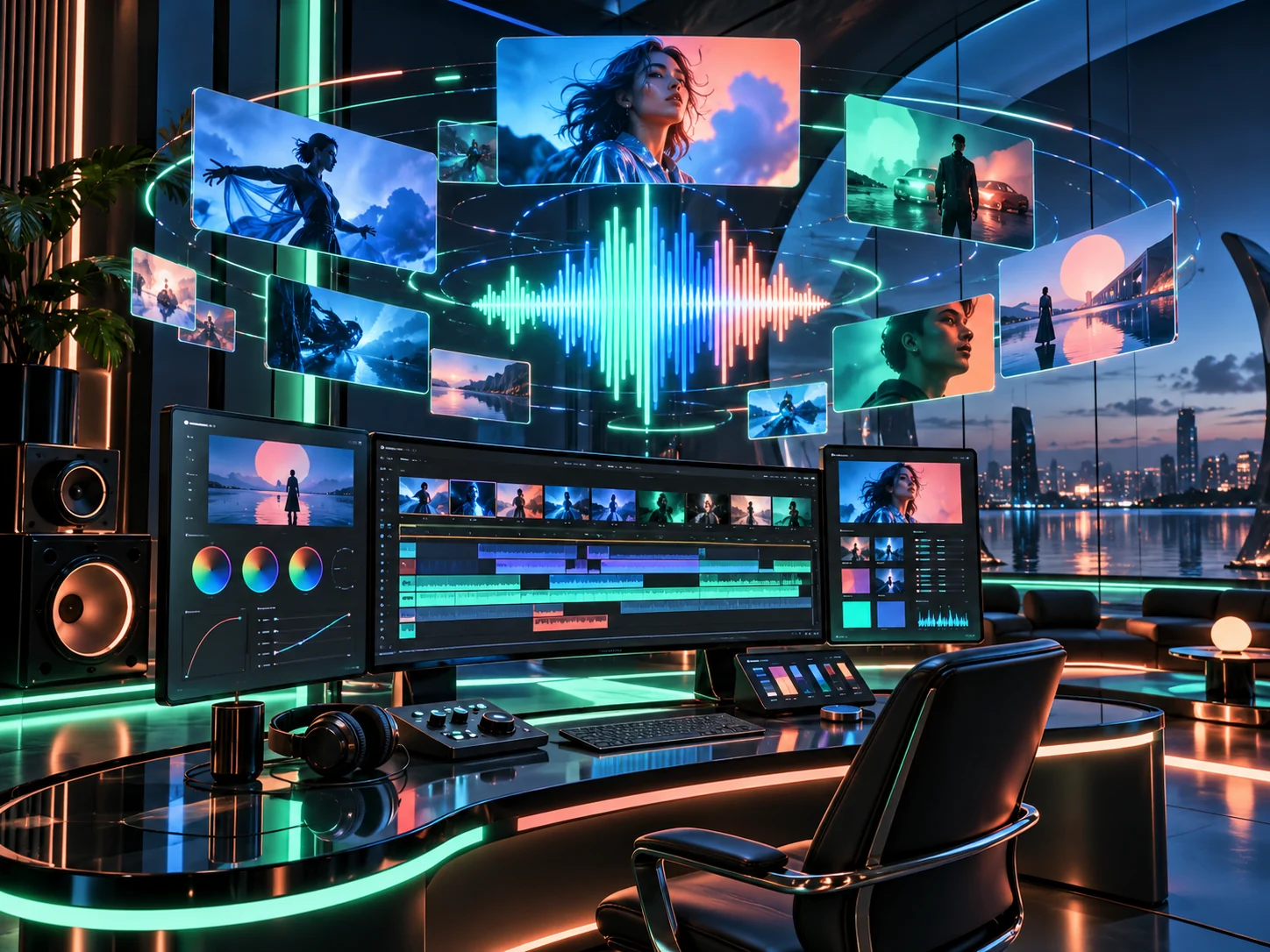 06
Feature 06
Keep references, creative direction, visual styles and output formats in a single production flow.
From first listen to final frame
Keep the creative thread intact while the song moves from an idea to a format you can publish.
Start with a track, a demo or a music link. Connect the mood, section changes and visual references that define the release.
Choose a performance, narrative or dance-led direction, then lock the characters, palette and cinematic language.
Review the planned scene flow, adjust the pacing and regenerate moments until the treatment fits the record.
Prepare vertical, square and widescreen versions, then publish the cut that fits each platform.
One connected workspace
Keep the song, characters, visual references and scene decisions in one place. The studio should preserve the idea between every creative turn.
Make the record visible
The format changes with the artist, but the goal does not: give the song a visual language that feels unmistakably yours.
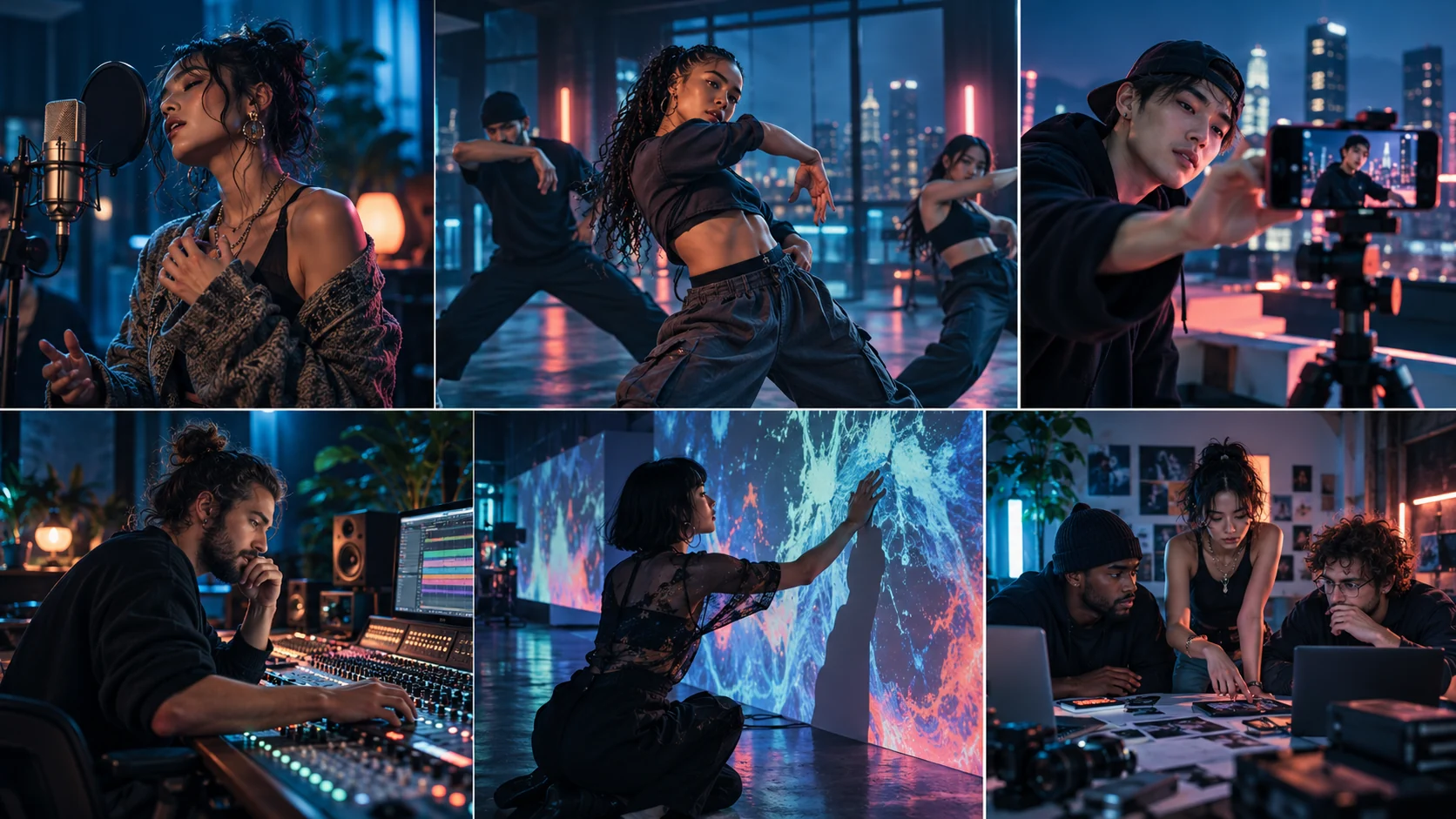
Give a new release a visual world without assembling a full production crew.
Map movement, cuts and visual energy to the tempo of a track.
Build repeatable video formats while keeping each post visually distinct.
Turn instrumentals, club edits and album cuts into a recognizable visual language.
Prototype music-reactive worlds for stages, installations and artist reels.
Present more directions, test more concepts and move into production faster.
Paid from the first frame
Four direct Stripe subscriptions. No free tier, no payment-provider chooser and no surprise credit pack at the end of the flow.
A focused weekly plan for one-off releases and social clips.
Billed weekly · 29% launch discount
For artists publishing consistently across every channel.
Billed monthly · 23% launch discount
More room for campaigns, iterating and full-song projects.
Billed monthly · 20% launch discount
A high-capacity plan for studios producing every week.
Billed monthly · 20% launch discount
Before you start
The launch experience is a complete subscription-gated preview. The creation queue is intentionally simulated while the renderer is prepared.
The workflow is designed for short social formats through full-song visual treatments. The mock creation queue in this launch build does not render a final file.
Return to the generator, sign in with the same Google account and press Create. A subscribed account opens the simulated production queue.
The planned interface supports uploaded tracks and music-link references. The launch build demonstrates the gated product flow and does not upload or process media.
The product is designed around 16:9, 9:16 and 1:1 outputs so one idea can move across YouTube, TikTok, Reels and Shorts.
No. The planned flow starts with a creative direction and turns it into a structured series of scenes. The subscription queue is intentionally simulated in this build.
Google identifies your account and Stripe securely handles the paid subscription. Payment opens directly through Stripe Hosted Checkout with no provider-selection popup.
The next frame is yours
Sign in with Google, choose a paid studio plan and open the creation queue from the same account.